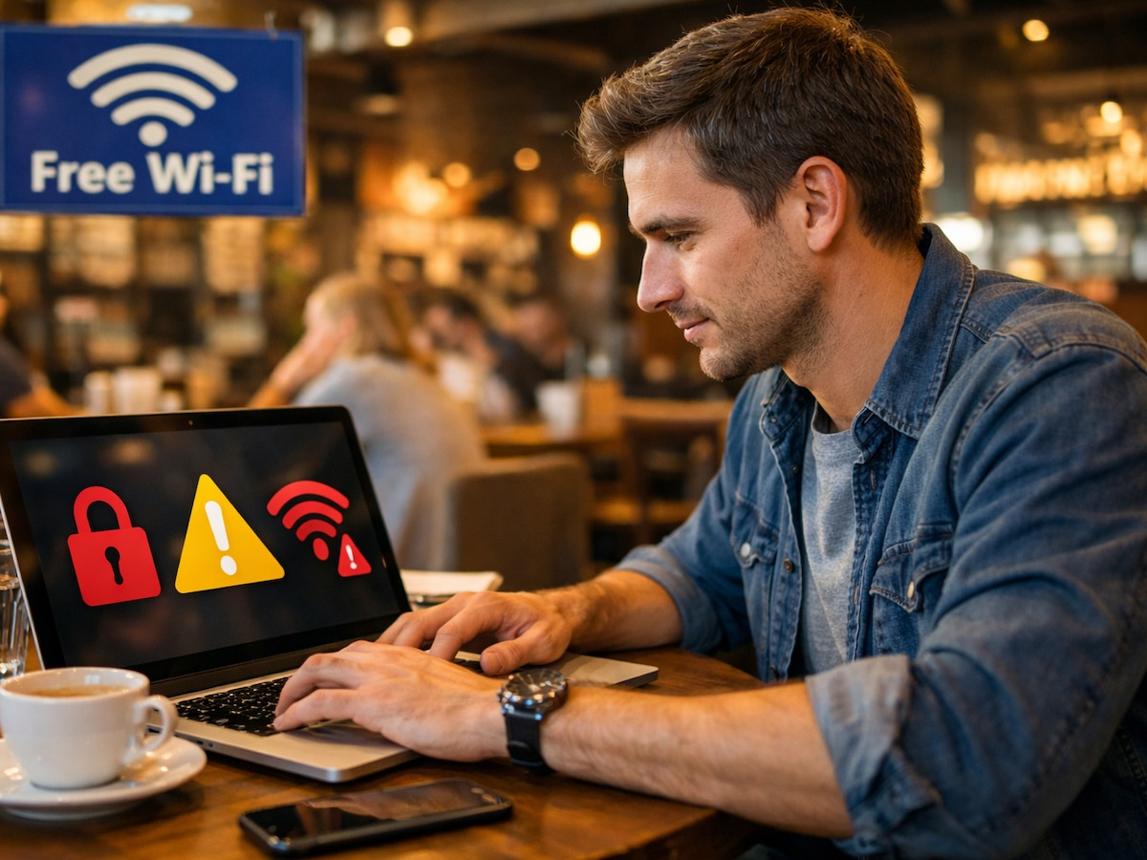
Public Wi-Fi security mistakes can put your personal information, online accounts, and digital privacy at risk. Public Wi-Fi is convenient when you are visiting a café, airport, hotel, library, or shopping center, but an unsecured network may expose users to cyber threats. Many people connect to free internet without checking the network name, using secure websites, or protecting their devices. These small mistakes can create opportunities for cybercriminals to steal information or trick users into revealing sensitive details.
Understanding public Wi-Fi security mistakes is an important step toward safer internet use. You do not need to avoid every public network, but you should know how to recognize common risks and reduce them. This guide explains eight mistakes people frequently make, why they matter, and how simple security habits can help protect your information 8 Powerful Public Wi-Fi Security Mistakes: Safety & Risks.
Table of Contents
- Connecting to Fake Wi-Fi Networks
- Using Public Wi-Fi Without a VPN
- Accessing Sensitive Accounts on Unsecured Networks
- Ignoring HTTPS Website Security
- Sharing Files and Keeping Device Discovery On
- Reusing Passwords Across Accounts
- Ignoring Software and Security Updates
- Staying Connected After Leaving the Location
- How to Use Public Wi-Fi More Safely
- Public Wi-Fi Security Risks Comparison
- Conclusion
1. Connecting to Fake Wi-Fi Networks
One of the most common public Wi-Fi security mistakes is connecting to a fake network. Cybercriminals can create Wi-Fi hotspots with names that look similar to legitimate networks. For example, a fake network might use a café’s name with an extra word or a slightly different spelling 8 Powerful Public Wi-Fi Security Mistakes: Safety & Risks.

When users connect to a malicious hotspot, an attacker may try to redirect them to fraudulent websites, monitor certain network activity, or encourage them to enter personal information. The exact risk depends on how the network is configured and what security protections are in place.
How to Avoid Fake Wi-Fi Networks
Always ask staff for the official Wi-Fi name before connecting. Avoid networks that request unnecessary personal details or ask you to install unknown applications or certificates. If two networks have similar names, do not assume that either one is legitimate until you verify it 8 Powerful Public Wi-Fi Security Mistakes: Safety & Risks.
2. Using Public Wi-Fi Without a VPN
A Virtual Private Network, commonly known as a VPN, creates an encrypted connection between your device and a VPN server. It can help protect network traffic from people monitoring the local Wi-Fi connection.
Using public Wi-Fi without a VPN is not automatically unsafe because modern websites and apps often use encryption. However, a trustworthy VPN can provide an additional layer of protection, especially on networks you do not control 8 Powerful Public Wi-Fi Security Mistakes: Safety & Risks.
Choosing a VPN Carefully
Choose a reputable VPN provider with clear privacy policies, strong encryption, and a good security record. Avoid unknown free VPN applications that make unclear promises about protecting your privacy.
A VPN does not make every online activity safe. It cannot prevent phishing, protect you from every malicious download, or guarantee that a fake website is legitimate. Continue checking website addresses and protecting your accounts even when a VPN is active 8 Powerful Public Wi-Fi Security Mistakes: Safety & Risks.
3. Accessing Sensitive Accounts on Unsecured Networks
Another important public Wi-Fi security mistake is accessing sensitive accounts without considering the risks. Banking, shopping, email, and work accounts can contain personal or financial information that you should protect carefully.
Modern banking apps and reputable websites generally use encryption, but attackers can still exploit phishing pages, compromised devices, or weak account security. A fake login page may look almost identical to a real one 8 Powerful Public Wi-Fi Security Mistakes: Safety & Risks.
Safer Ways to Access Important Accounts
Whenever possible, use your mobile network for sensitive tasks if you do not trust the available Wi-Fi. If you must use public Wi-Fi, check the website address carefully, use official apps, and enable multifactor authentication on important accounts8 Powerful Public Wi-Fi Security Mistakes: Safety & Risks.
Why Multifactor Authentication Matters
Multifactor authentication adds another verification step beyond your password. Depending on the method, this may involve an authenticator app, a security key, or another approved verification process. It can reduce the damage caused by a stolen password, although no method eliminates every risk 8 Powerful Public Wi-Fi Security Mistakes: Safety & Risks.
4. Ignoring HTTPS Website Security
HTTPS helps encrypt information sent between your browser and a website. Ignoring website security indicators can make it easier to fall for fraudulent pages or misunderstand the protection available to you.
Before entering a password, payment information, or personal details, check the website’s address. Look for the correct domain and a secure HTTPS connection 8 Powerful Public Wi-Fi Security Mistakes: Safety & Risks.
However, remember that HTTPS does not prove a website is trustworthy. Scam websites can also use HTTPS. A familiar-looking logo or a padlock symbol alone is not enough to confirm that a website is genuine.
What to Check Before Signing In
Confirm that the domain name is spelled correctly. Avoid opening login links from unexpected messages, pop-ups, or unfamiliar QR codes. When accessing an important service, type its known address yourself or use its official application 8 Powerful Public Wi-Fi Security Mistakes: Safety & Risks.
5. Sharing Files and Keeping Device Discovery On
Some devices include features that allow nearby computers, phones, or other devices to discover them or share files. Leaving these settings enabled on public networks may expose more information than necessary.
The risk varies by device and operating system. File sharing does not automatically mean that strangers can access your files, but unnecessary sharing features increase the number of services you need to secure.
Protect Your Device on Public Wi-Fi
Set the network profile to Public when your operating system offers that option. Turn off file sharing, printer sharing, and unnecessary device discovery while connected to unfamiliar networks. Keep your firewall enabled and use current security settings.
These steps are particularly useful when connecting a laptop to Wi-Fi in a hotel, coworking space, airport, or conference center 8 Powerful Public Wi-Fi Security Mistakes: Safety & Risks.

6. Reusing Passwords Across Accounts
Reusing the same password across multiple websites is a serious security mistake, whether you are using public Wi-Fi or your home internet. If one service suffers a data breach, criminals may try the exposed password on other accounts.
Public Wi-Fi can increase exposure to fraudulent login pages, making password reuse especially concerning. A single compromised password could affect your email, shopping, social media, or other accounts.
Create Stronger Password Habits
Use a unique password for every important account. A reputable password manager can generate and store long passwords so that you do not have to memorize each one 8 Powerful Public Wi-Fi Security Mistakes: Safety & Risks.
Enable multifactor authentication wherever possible, especially for email, financial accounts, and accounts that can reset other passwords. If you suspect that you entered your password on a fake website, change it immediately from a trusted device and review your account activity.
7. Ignoring Software and Security Updates
Outdated operating systems, browsers, and applications may contain security vulnerabilities that attackers can exploit. Connecting to public Wi-Fi does not automatically make an outdated device vulnerable, but using unpatched software can increase the consequences of other security weaknesses.
Updates often include fixes for known vulnerabilities and improvements to security features 8 Powerful Public Wi-Fi Security Mistakes: Safety & Risks.
Keep Your Devices Updated
Install operating system and browser updates from official sources. Turn on automatic updates when practical, and use built-in security protections. Avoid downloading updates from pop-ups or websites that appear unexpectedly while browsing.
If a public Wi-Fi login page tells you to install an unfamiliar application or certificate, stop and verify the request with the venue or service provider before proceeding.
8. Staying Connected After Leaving the Location
Many phones and laptops can automatically reconnect to previously used Wi-Fi networks. Although this feature is convenient, it can create risks if a device tries to connect to a network with a familiar name in an untrusted location 8 Powerful Public Wi-Fi Security Mistakes: Safety & Risks.
This is not a guarantee that your device will be attacked. The concern is that automatic connections can happen without you checking whether the network is genuine or necessary.
Turn Off Unnecessary Automatic Connections
Disable automatic joining for public networks you no longer use. Forget unfamiliar or unneeded Wi-Fi networks after leaving the venue. Turn off Wi-Fi when you do not need it, particularly while traveling between public places.
These simple steps reduce unnecessary connections and help you stay aware of which network your device is using 8 Powerful Public Wi-Fi Security Mistakes: Safety & Risks.
How to Use Public Wi-Fi More Safely
Avoiding public Wi-Fi security mistakes does not require advanced technical knowledge. A few consistent habits can significantly improve your protection.
First, verify the network name with the business or organization that provides it. Second, use a trustworthy VPN when appropriate, particularly if you want additional protection on an unfamiliar network. Third, check website addresses before entering sensitive information and avoid suspicious links.
You should also use unique passwords, enable multifactor authentication, update your software, and keep file-sharing features disabled on public networks. If a network asks you to provide unusual information or install unfamiliar software, do not proceed until you have verified the request.
For banking or other highly sensitive activities, consider switching to mobile data when available. If you use a public computer rather than your own device, do not save passwords, always sign out of your accounts, and avoid accessing especially sensitive information 8 Powerful Public Wi-Fi Security Mistakes: Safety & Risks.
Public Wi-Fi Security Risks Comparison
The following table summarizes common mistakes, their potential risks, and practical ways to reduce exposure.
| Security mistake | Potential risk | Safer practice |
|---|---|---|
| Connecting to fake Wi-Fi | Phishing or malicious redirection | Verify the network name |
| Not using a VPN | Less protection against local network monitoring | Consider a reputable VPN |
| Accessing sensitive accounts carelessly | Exposure to phishing or account attacks | Use official apps and mobile data when appropriate |
| Ignoring HTTPS and domain names | Entering details on fraudulent websites | Check the URL and HTTPS |
| Leaving file sharing on | Unnecessary device exposure | Disable sharing on public networks |
| Reusing passwords | Multiple accounts may be compromised | Use unique passwords |
| Ignoring updates | Known vulnerabilities may remain unpatched | Update software regularly |
| Automatic reconnection | Joining an unverified network | Disable automatic joining when unnecessary |
Public Wi-Fi Security: Risk Awareness Graph
The graph below is an illustrative awareness score, not a measured statistic or a ranking based on real-world attack data. It shows how strongly each habit deserves attention when using public Wi-Fi.
| Security habit | Illustrative priority score |
|---|---|
| Verify Wi-Fi network | 9/10 |
| Use unique passwords | 10/10 |
| Check website addresses | 10/10 |
| Keep software updated | 9/10 |
| Disable unnecessary sharing | 7/10 |
| Review automatic connections | 7/10 |
| Consider a trustworthy VPN | 8/10 |
These scores are intended only to help readers organize their security habits. Actual risk depends on the network, device, online activity, and security protections in use.
What Should You Do If You Suspect a Public Wi-Fi Attack?
If you think you connected to a fake network or entered information on a suspicious website, disconnect from the network. Use a trusted connection to change any exposed passwords, starting with your email and financial accounts. Enable multifactor authentication, review recent sign-ins, and sign out of unfamiliar sessions 8 Powerful Public Wi-Fi Security Mistakes: Safety & Risks.
If you entered payment details on a suspicious page, contact your bank or card provider using its official contact information. Run your device’s built-in security scan if you suspect a malicious download, and seek reputable technical support if unusual activity continues.
Do not assume that disconnecting from Wi-Fi automatically reverses anything that may already have happened. Taking action quickly can help limit further damage.
Conclusion
Public Wi-Fi security mistakes can expose users to fake hotspots, phishing, account theft, and unnecessary device risks. However, public Wi-Fi is not automatically dangerous, and modern encryption protects much of the traffic sent through legitimate websites and applications.
The most useful approach is to verify network names, check website addresses, use unique passwords, enable multifactor authentication, keep software updated, and disable unnecessary sharing. A reputable VPN can add another layer of protection, but it should be part of a broader security routine.
By recognizing these eight public Wi-Fi security mistakes and adopting safer browsing habits, you can enjoy the convenience of free internet while making more informed decisions about your digital privacy 8 Powerful Public Wi-Fi Security Mistakes: Safety & Risks.
Frequently Asked Questions
Is public Wi-Fi safe to use?
It can be reasonably safe when you take precautions, but the risk depends on the network, device, and activity. Verify the network and use secure websites and apps.
Can someone steal my passwords through public Wi-Fi?
It is possible in some circumstances, especially through phishing pages, malicious hotspots, or other security weaknesses. HTTPS, unique passwords, and multifactor authentication help reduce risk.
Does a VPN protect me on public Wi-Fi?
A trustworthy VPN encrypts traffic between your device and the VPN server. It does not protect you from every scam, malicious file, or fake website.
Should I use public Wi-Fi for online banking?
If you are unsure about a network, mobile data is a sensible alternative. If you use public Wi-Fi, use your bank’s official app or verified website, check your connection, and enable account security features.
What is the biggest public Wi-Fi security mistake?
There is no single mistake that is always the biggest. Connecting to a fake hotspot, entering credentials on a phishing page, and reusing passwords can all create serious risks. The best defense is to combine several security practices.